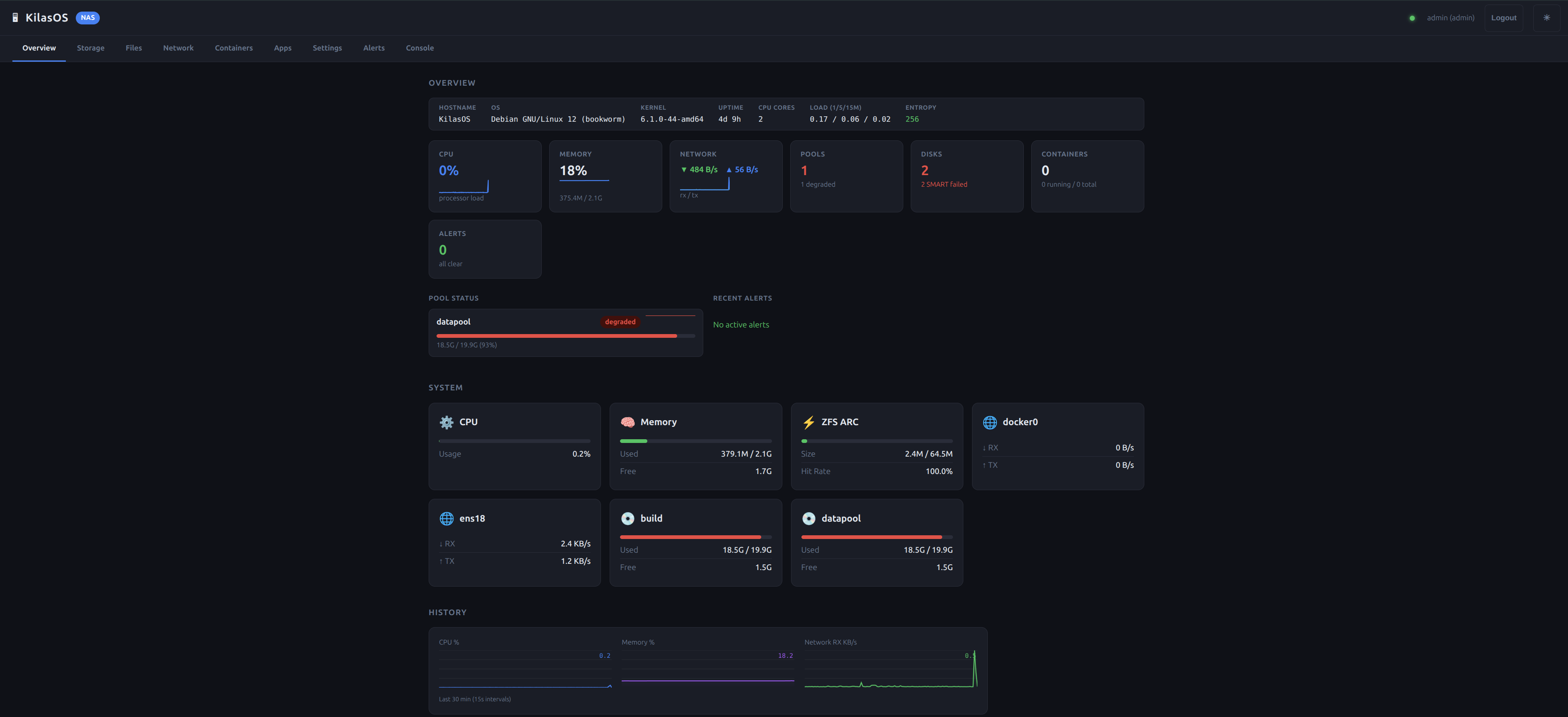
KilasOS is an open-source edge NAS operating system. Single Go binary, OpenZFS storage, Docker apps, zero cloud dependency. No phone-home. No subscriptions. No nonsense.
Pools, datasets, snapshots, scrubs, RAID-Z, mirrors. Full ZFS management from the WebUI. Your data stays on your drives.
One-click share creation. Time Machine support. ACL management. Multi-user access controls.
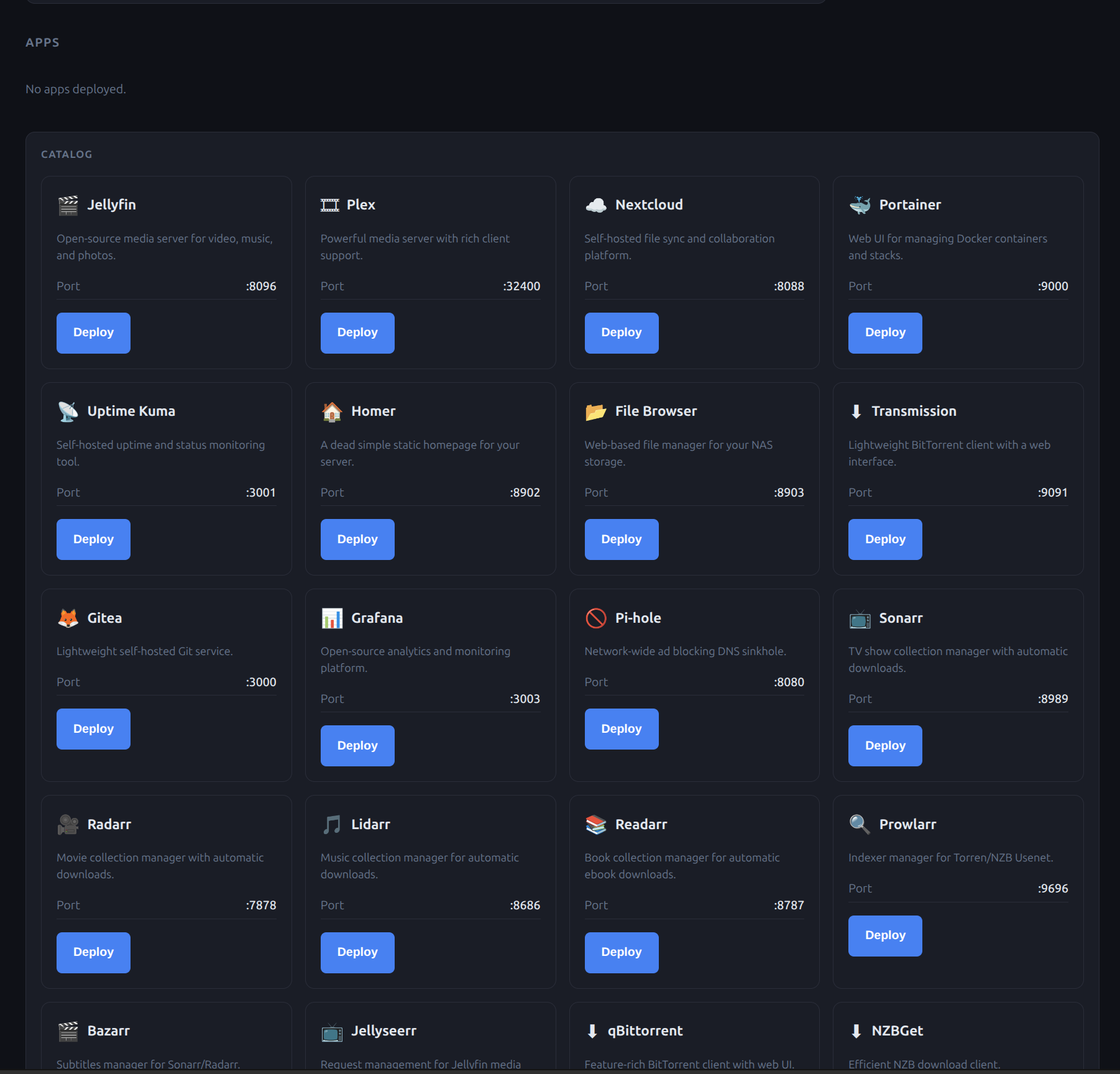
34 app templates. One-click deploy. Plex, Home Assistant, Nextcloud, Grafana, Transmission, and more.
Trivy vulnerability scanning, Lynis auditing, AppArmor profiles, GDPR compliance, full audit logging.
Borg, Restic, Rclone, ZFS Send. Local, remote, cloud. Scheduled. Encrypted. Bulletproof.
No cloud required. Runs on a Pi 5 or a rack server. 2GB RAM. Single Go binary. Starts in under a second.
Write it to a USB stick and boot any PC or server straight into KilasOS — no existing operating system required. The image is identical whether you download from Windows, macOS, or Linux.
⬇ Download KilasOS 1.0.0 · ISO (~1.4 GB)amd64 · SHA-256 cb0eb543…caf88e1c · verify
Grab balenaEtcher or Rufus, pick the ISO and your USB stick, click Flash, then boot the target machine from that USB.
Use balenaEtcher, or write it from a terminal:
sudo dd if=kilasos-1.0.0-amd64.iso of=/dev/sdX bs=4M status=progress && syncReplace /dev/sdX with your USB device — double-check it's the right one.
curl -fsSL https://apt.kilasos.org/kilasos-release.asc | sudo gpg --dearmor -o /usr/share/keyrings/kilasos.gpg
echo "deb [signed-by=/usr/share/keyrings/kilasos.gpg] https://apt.kilasos.org stable main" | sudo tee /etc/apt/sources.list.d/kilasos.list
sudo apt update && sudo apt install kilasos-nasdcurl -fsSL https://apt-pro.kilasos.org/kilasos-release.asc | sudo gpg --dearmor -o /usr/share/keyrings/kilasos-pro.gpg
echo "deb [signed-by=/usr/share/keyrings/kilasos-pro.gpg] https://apt-pro.kilasos.org stable main" | sudo tee /etc/apt/sources.list.d/kilasos-pro.list
sudo apt update && sudo apt install kilasos-nasd-proDebian 12+ • Ubuntu 24.04+ • amd64